
Inbox
One inbox for everything your customers write and say.
Email, chat, Messenger, SMS and phone in the same list. Each call and message becomes a case. The case goes to the person who can answer.
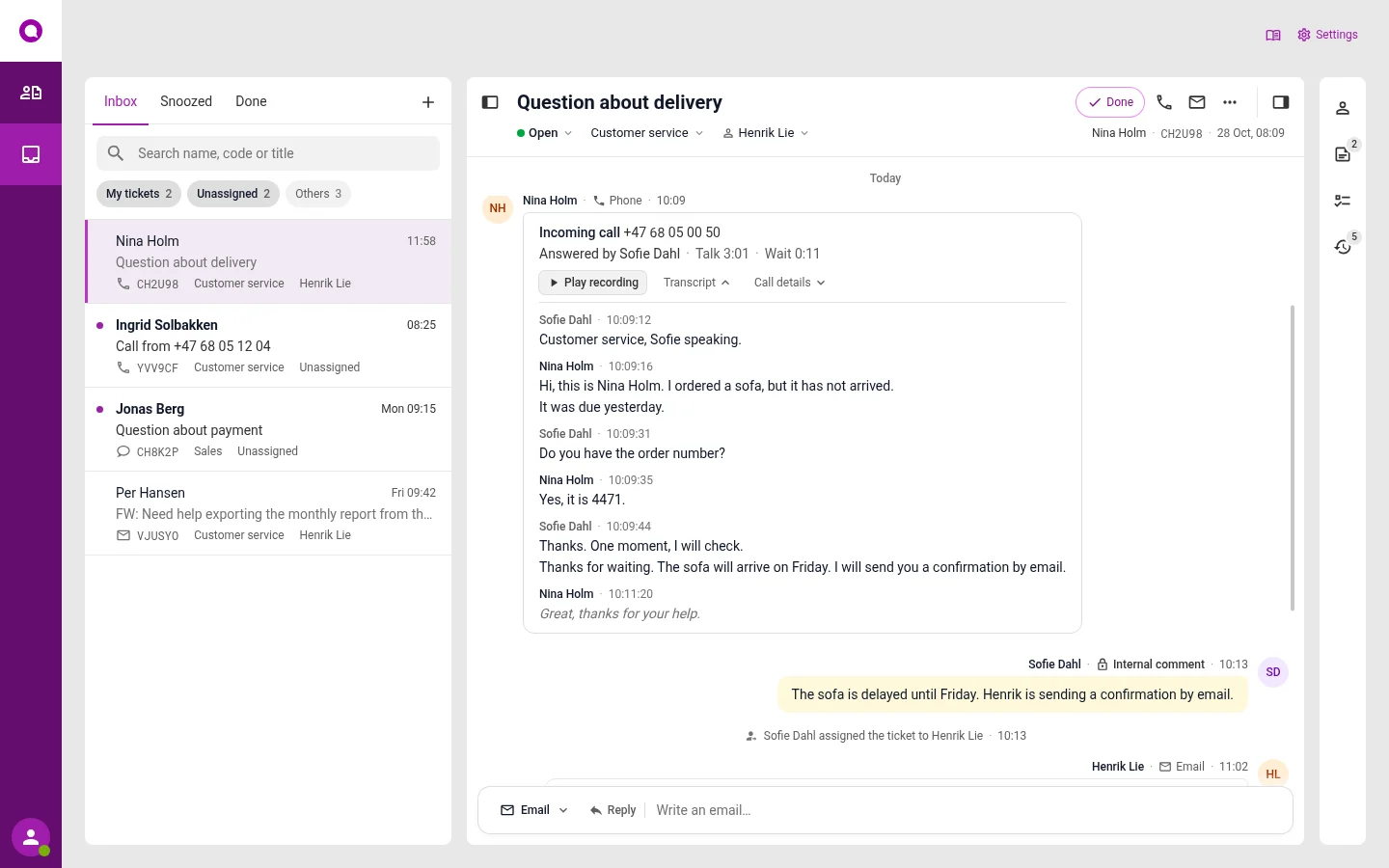
The customer gets in touch
Some call, others write. Everything becomes cases in the same inbox, wherever it comes from.
- EmailWrites to info@ or support@
- ChatOpens the chat on your website
- MessengerWrites to you on Facebook
- SMSSends an SMS to your main number
- PhoneCalls the switchboard
The case is sorted
You set the rules, and artificial intelligence does the work. It picks the queue, puts urgent cases first and answers what you have decided. If the customer needs a person, the case goes to a colleague.
A colleague takes over
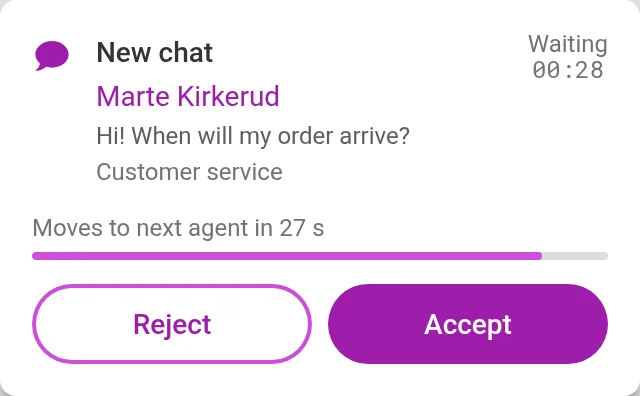
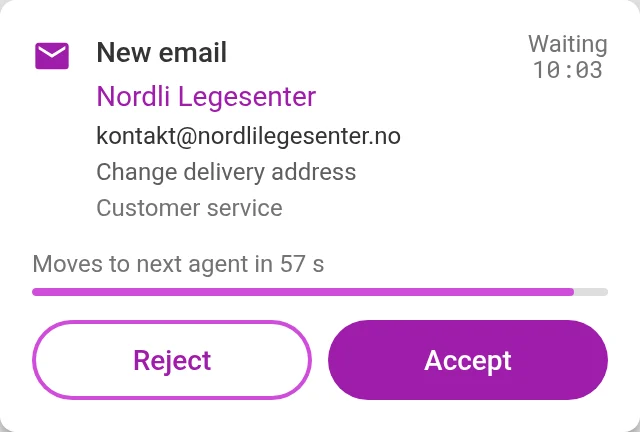
When the case needs a person, it appears for someone who is free in the queue. You accept or decline. If you do not answer within a few seconds, it moves on to the next person.
You answer
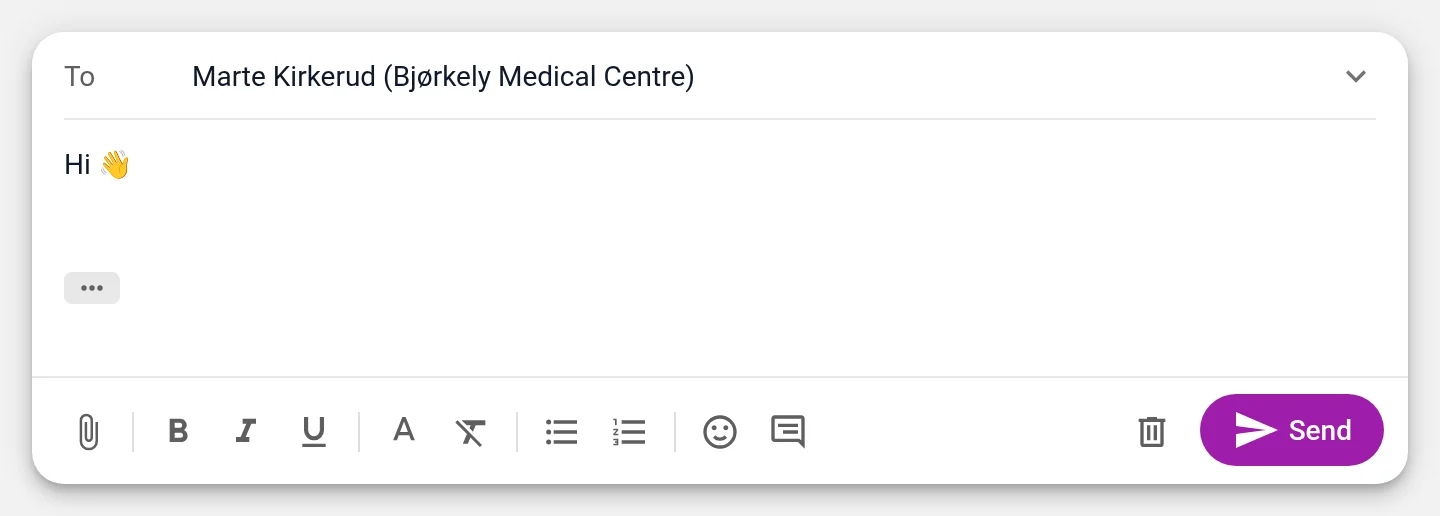
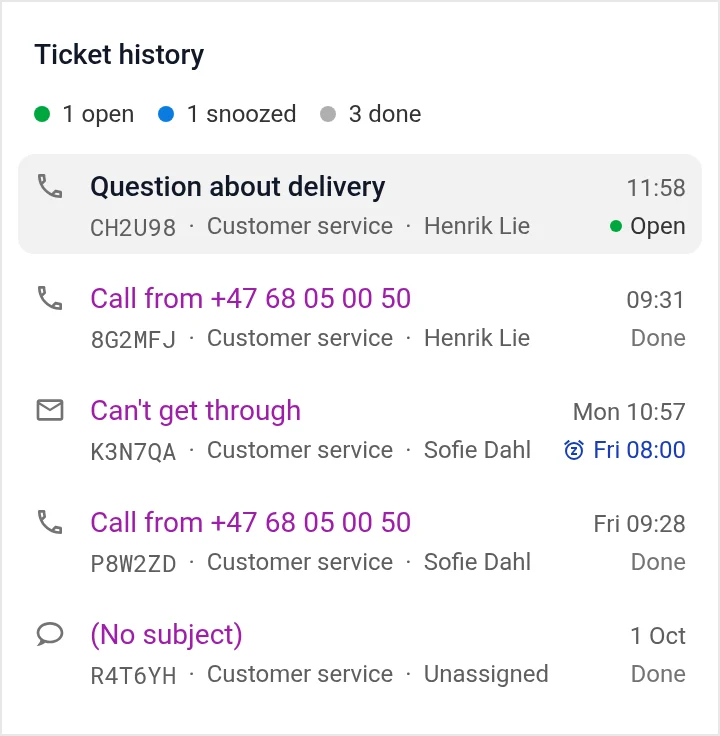
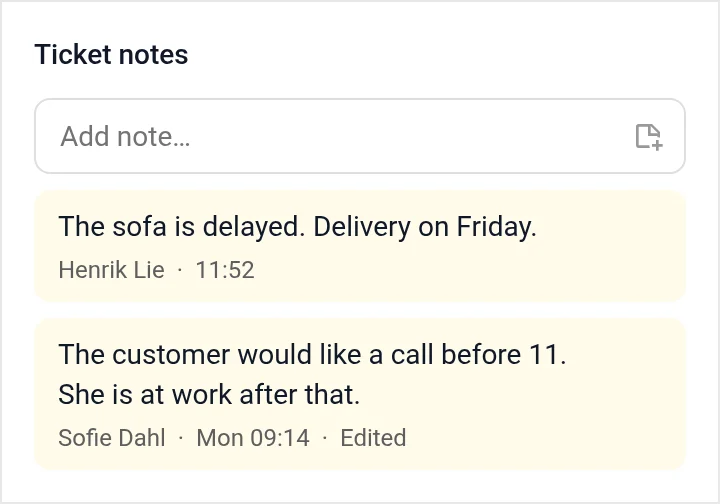
You see what the customer has asked before, and what your colleagues have noted. You write your answer right in the case, in the channel the customer used.
- Ready-made answers to questions you often get
- Attachments, reply all and forward
- Undo sending in the first few seconds
- Write notes that only your colleagues see
The case is closed
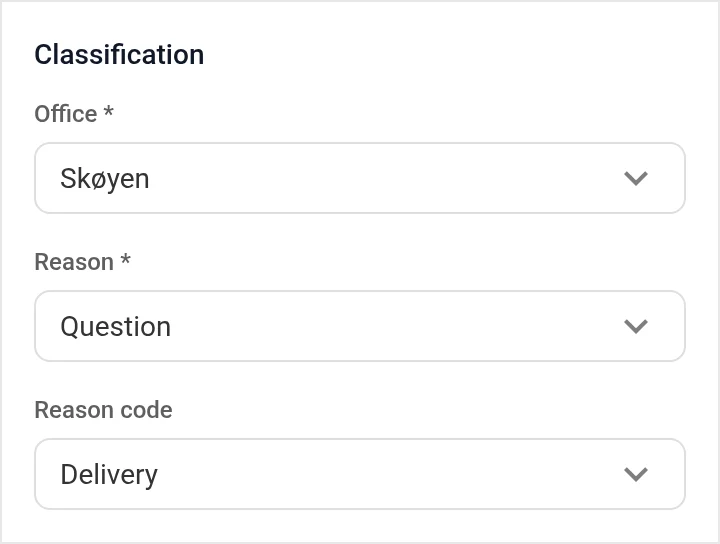
Choose why the customer got in touch, and mark the case as done. Then you know afterwards what customers ask about.
You see the numbers
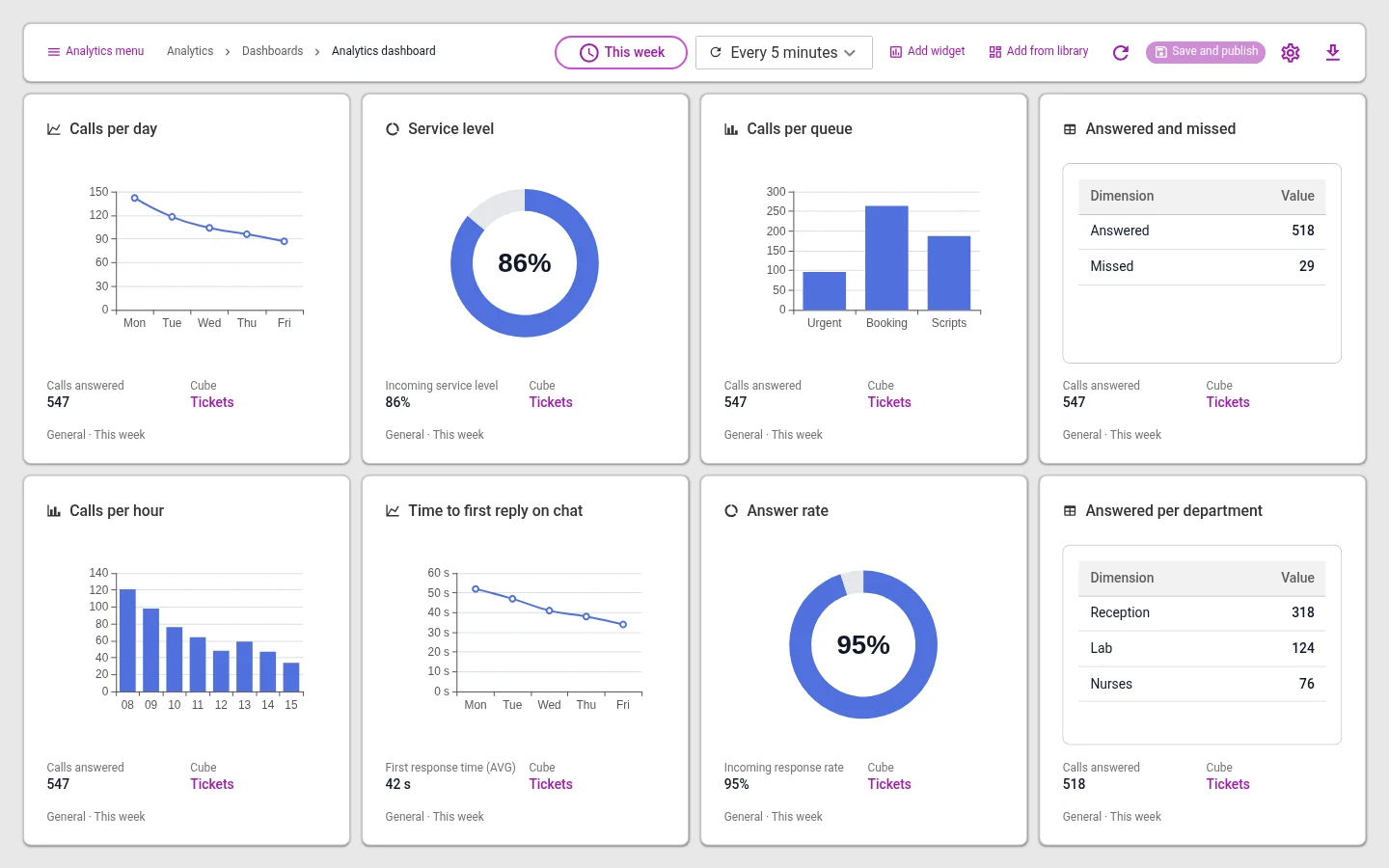
How many cases come in on each channel, how fast you answer, and what customers ask about. Cases that AI answered are in the numbers, so you see how much it handles.
What is included
Keeping order
You see what is yours, and you can find earlier cases.
- Three listsChoose to see your own cases, the ones nobody has taken yet, or all of them.
- Merge casesIf the customer writes twice about the same thing, it becomes one case.
- Snooze until laterPick a day and time. Then the case comes back to the top of the list.
Get in touch first
You can also start the conversation with the customer.
- Start a new caseSend an email or SMS, or call. The customer's reply comes into the same case.
- Your own sender nameFor example, the customer sees “Customer service” or “Reception” as the sender.
- Case numberEach case has a short number. If the customer gives it when they call, you find the case straight away.
Phone
Calls are cases, just like messages.
- Record callsYou choose which queues are recorded. The recording is kept in the case.
- Read the call as textThe call is turned into text, so you do not have to listen to it all to find what was said.
- Deleted automaticallyYou choose how long recordings are kept, from 1 to 365 days.
Questions about the inbox
Can we use the email addresses we have today?
Yes. Emails to your addresses become cases, and the reply goes from the same address.
Do phone calls also become cases?
Yes. A call becomes a case, just like emails and messages. If the customer calls again, you see what they asked about last time.
What happens to messages on Messenger?
Messages to your Facebook page land in the inbox. They are shared out like all other cases.
Can we measure how fast we answer?
Yes. The reports show time to first reply, number of cases per channel and cases per reason, among other things.
Does AI answer our customers?
Only on what you have decided it should answer. Everything else goes to a colleague. So do cases where the customer asks to talk to someone.
Can calls be recorded?
Yes, if you turn it on. You choose how long recordings are kept, from 1 to 365 days.
See it set up the way you work
In the demo we show the channels you need, with the queues and opening hours you have today. We also answer questions about price and getting started.